Image tools · 10
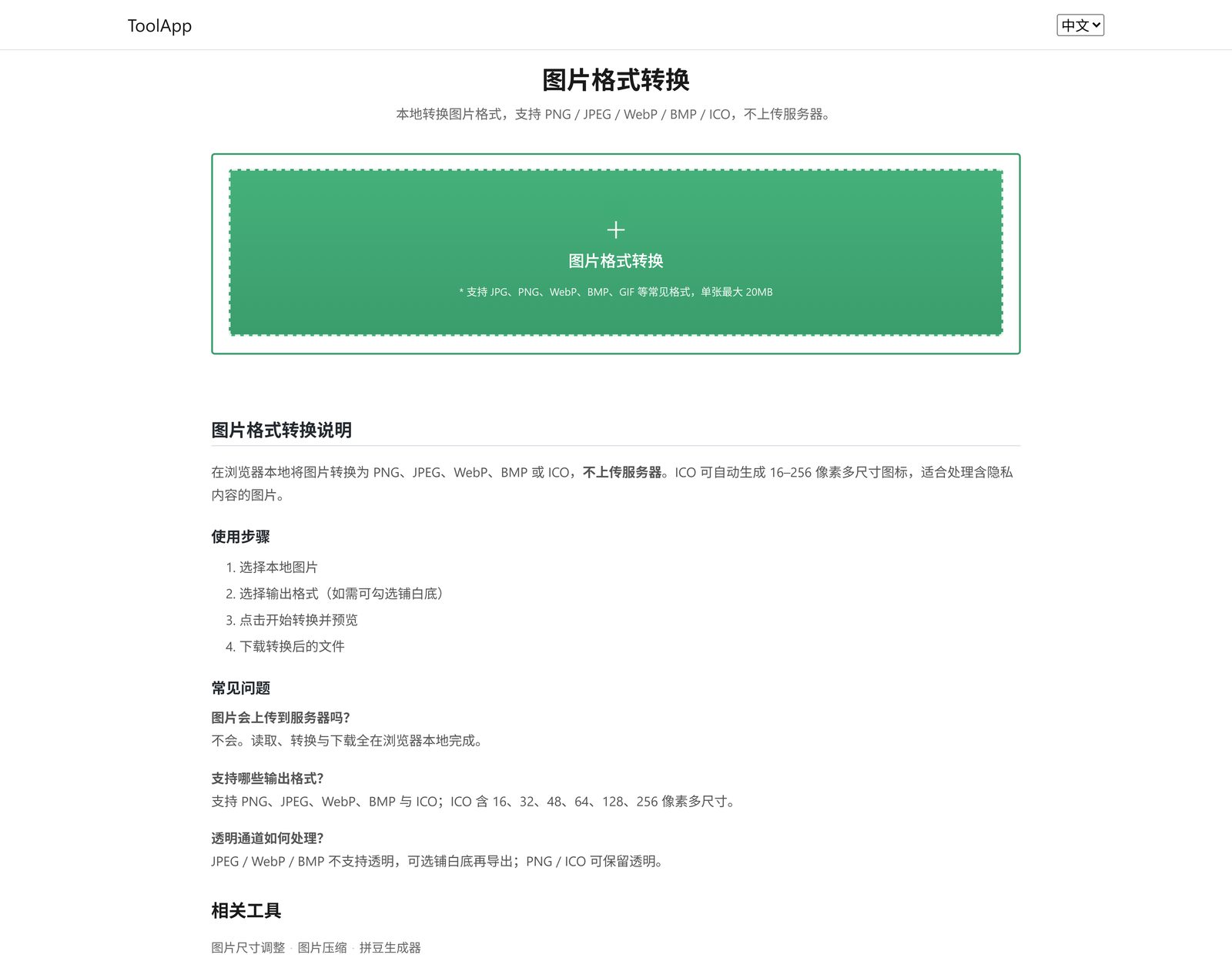
OCR text extraction, handwritten signature generator, one-click background removal, resize, compression, format conversion, bead pattern generator, pixelate, HD upscale and merging.
Image processing, text editing, encoding conversion, developer reference tables — the small jobs you only need once in a while. Open ToolApp and get it done. No software to install, no account to create, and nothing to remember beyond the URL.
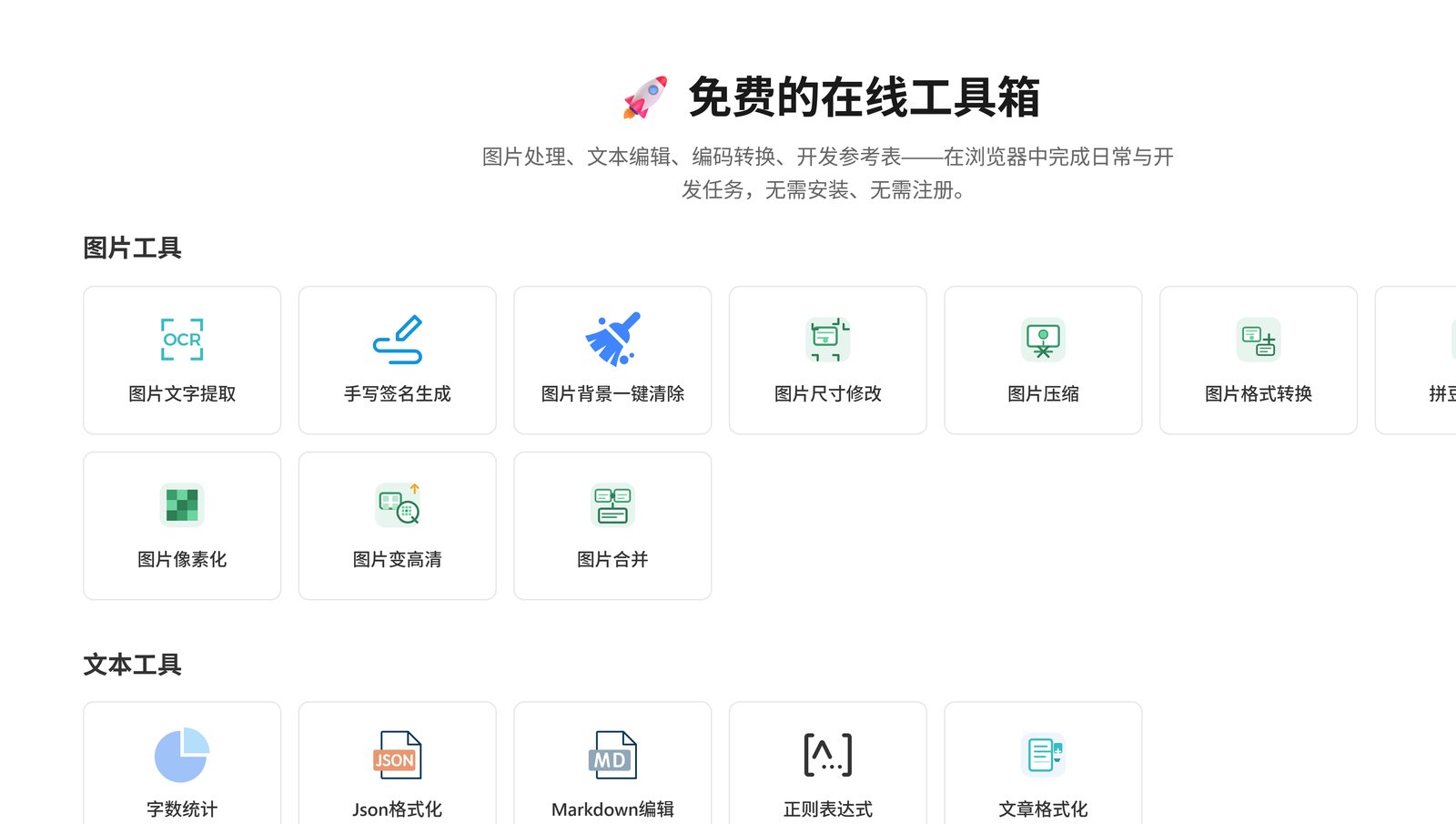
Grouped by what you're trying to do, so you don't have to dig through bookmarks — the entry point is right there on the home page.
OCR text extraction, handwritten signature generator, one-click background removal, resize, compression, format conversion, bead pattern generator, pixelate, HD upscale and merging.
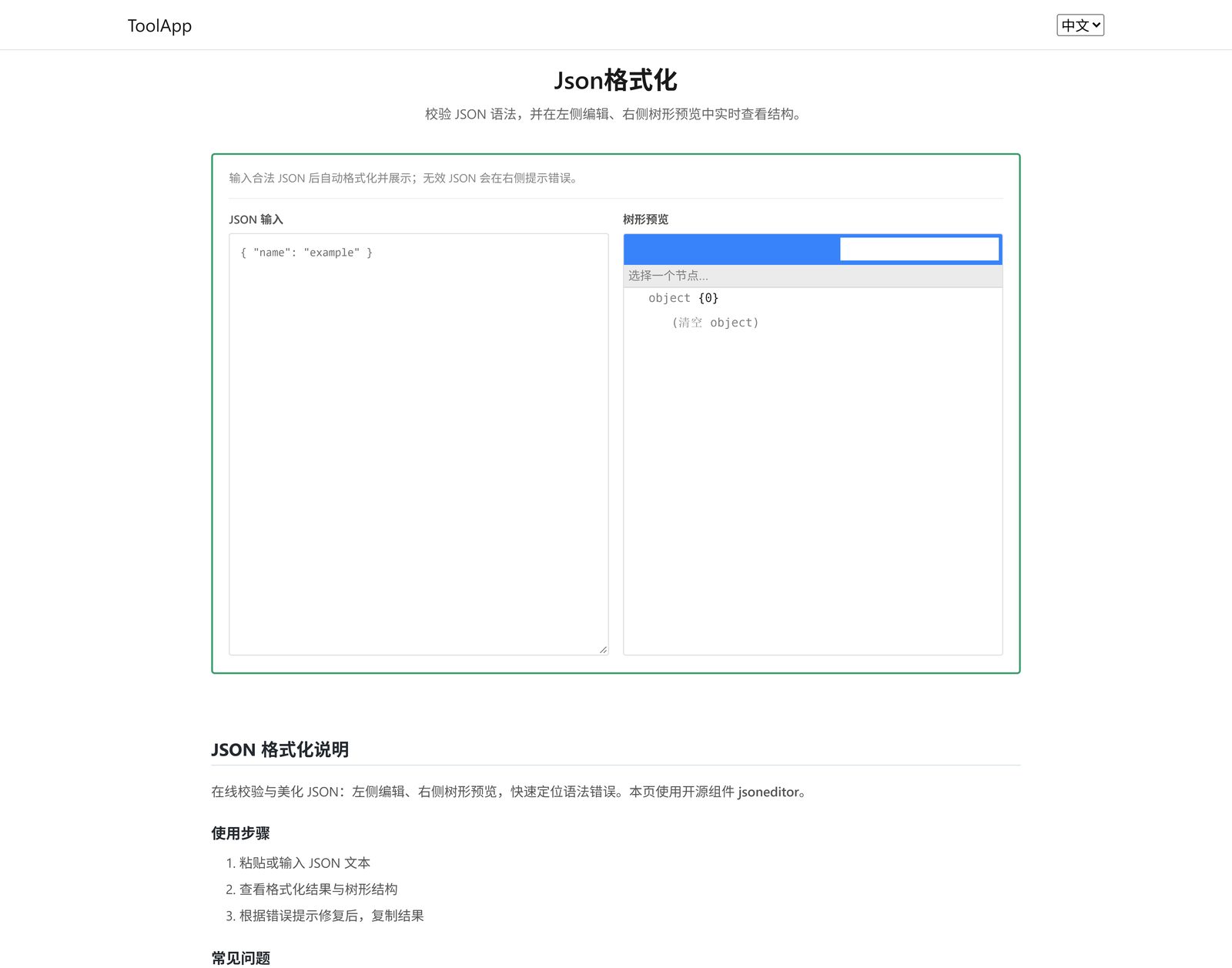
Word count, JSON formatter (edit on the left, tree preview on the right), Markdown editor, regex tester, article formatting and case conversion.
Number base conversion, colour value conversion, length conversion, plus Base64 / URL / HTML encoding and decoding.
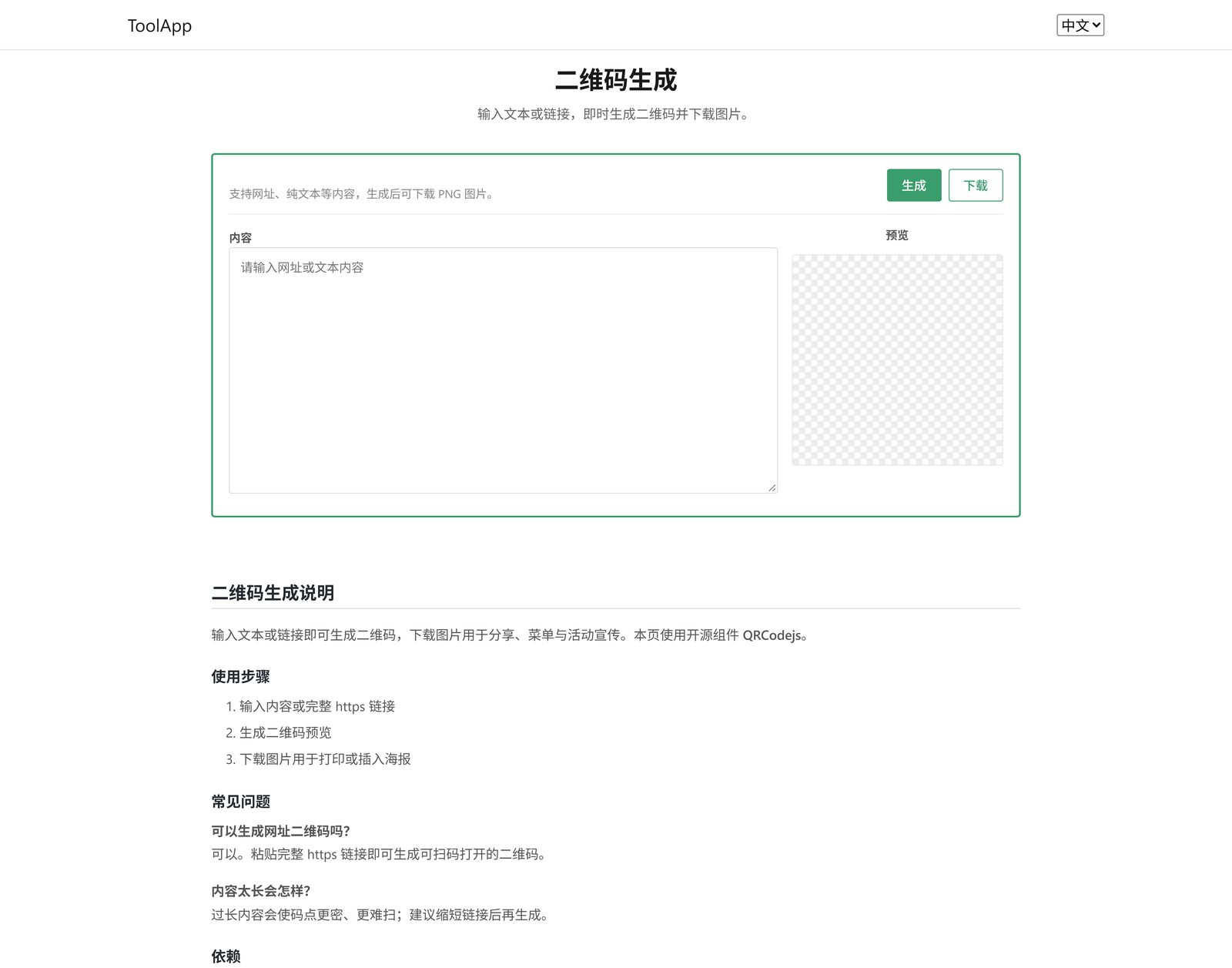
GUID generator, QR code generator, simple cover image generator, video embed code generator and product card generator.
MIME types, CSS selectors, Vim commands, Git commands, common Linux commands, HTTP status codes, URL escapes, ASCII, emoji and special symbols.
IP geolocation lookup, link availability check and a Pomodoro timer — plus a bamboo-cicada mini game you can leave spinning.
The worry with a one-off ID photo, a JSON blob or a string of encoded text is never knowing which server it landed on. Tools that can run purely in the browser do their work there, and your files never leave the device. Anything that needs a server (OCR, for example) is handled for that session only and is not passed on to third parties.
The home page groups tools by purpose; each tool page works on the left and previews on the right, then you download or copy the result.
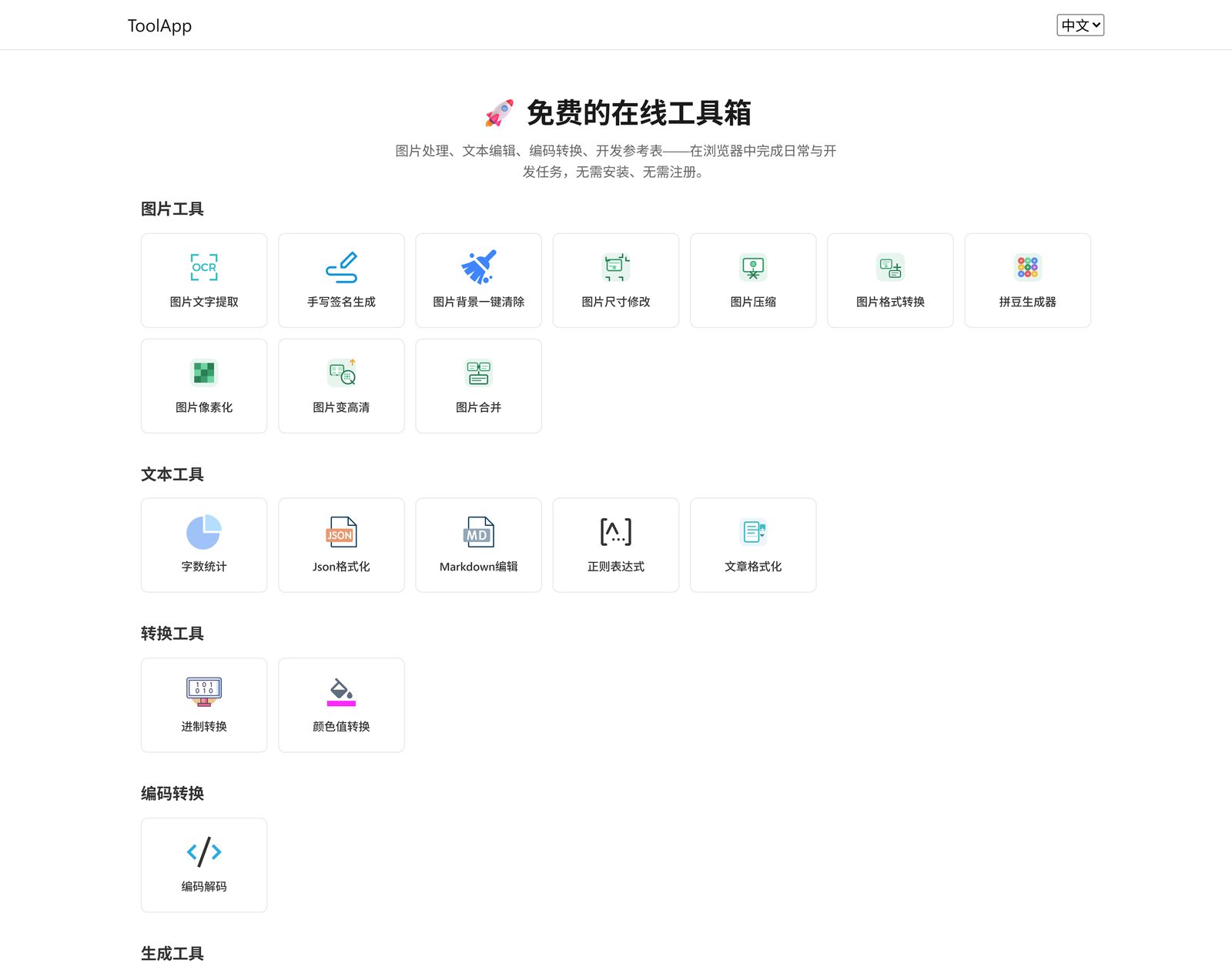
These are the tools currently on the home page — click a name to open that page. More are added over time.